
TouchPass
One touch, securely unlocked
A secure smart key at your fingertip
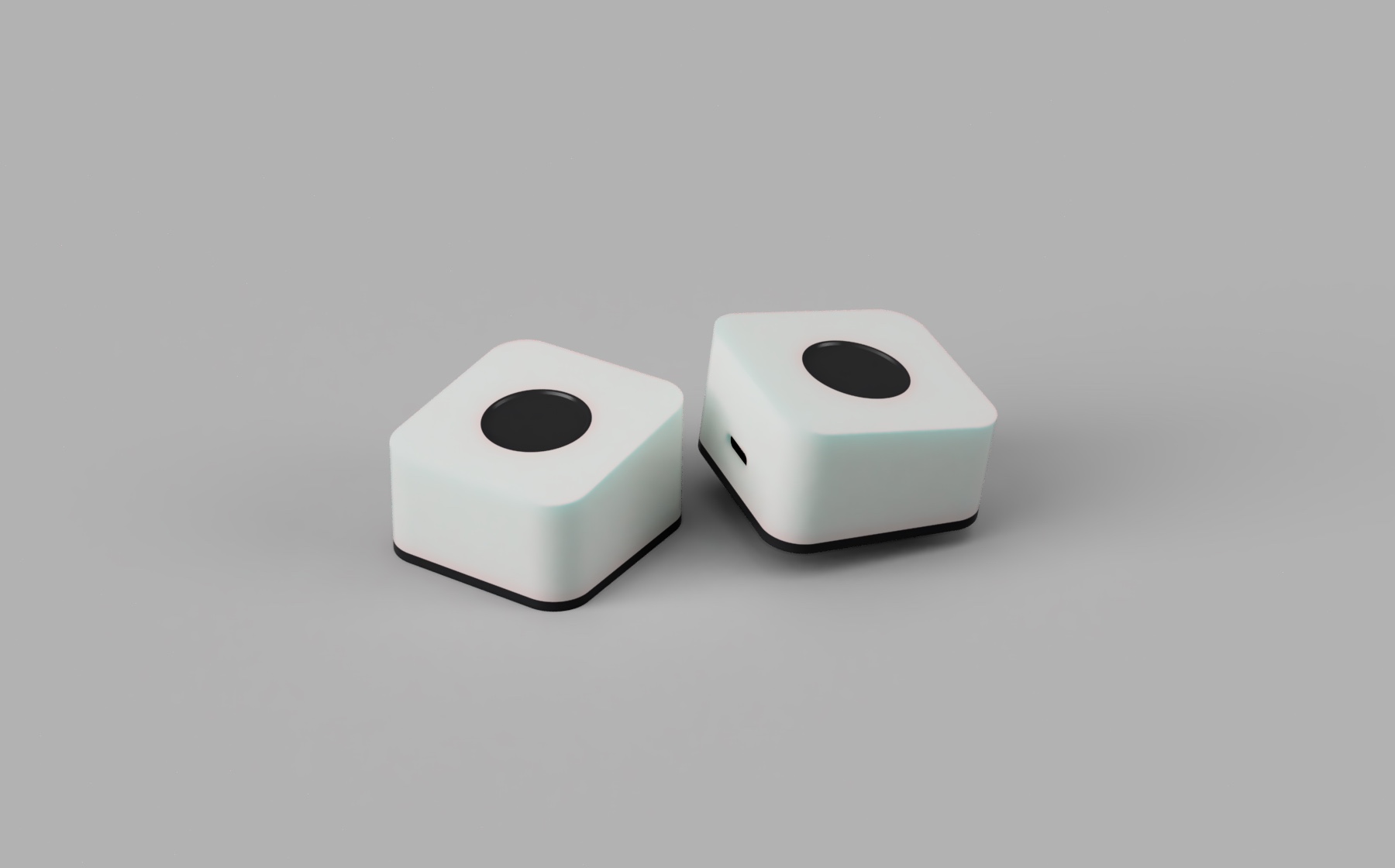
Two product lines
In-house fingerprint module, or native Apple biometrics — there's one for your setup

One fingerprint, three ways to authenticate
HID password entry, PIV smart card and PassKey all share the same fingerprint — no need to assign roles to fingers
HID password entry
On a successful scan, the device types that fingerprint's password over the standard USB keyboard protocol — usable in any field on any OS.
PIV smart card
The device is recognized as a standard PIV smart card. Initialize it in the TouchPass App and pair it with your Mac account to sign in and unlock the lock screen, or use it for enterprise certificate sign-in and code signing.
Passwordless with PassKey
Built on FIDO2 / WebAuthn — sign in to supported sites and apps with one touch. Credentials stay in the device's secure chip, and the App lists the sites you've used.
Every enrolled fingerprint works with PassKey and HID. PIV additionally requires that fingerprint's password to be numeric with at least 6 digits (new fingerprints already are). One-tap PIV setup and system pairing are currently macOS only.
Device management
Enrollment, updates and personalization — all from the TouchPass App
Smart fingerprint management
Enroll, rename and remove fingerprints in the TouchPass App and set a password per fingerprint — up to 10, with templates that never leave the device.
Over-the-air firmware
Update device firmware in one tap from the TouchPass App, always getting the latest features and security.
Customizable breathing light
Personalize the device's breathing-light color and rhythm to make security your own.
Up and running in three steps
Simple to use — security within reach
Connect
Plug TouchPass into your computer's USB-C port.
Enroll
Enroll a fingerprint in the TouchPass App, then set a password or initialize PIV as needed.
One touch
Touch the sensor to type your password, unlock your Mac, or approve a PassKey request.
See how TouchPass works
One touch, and security gets simple
Play demo
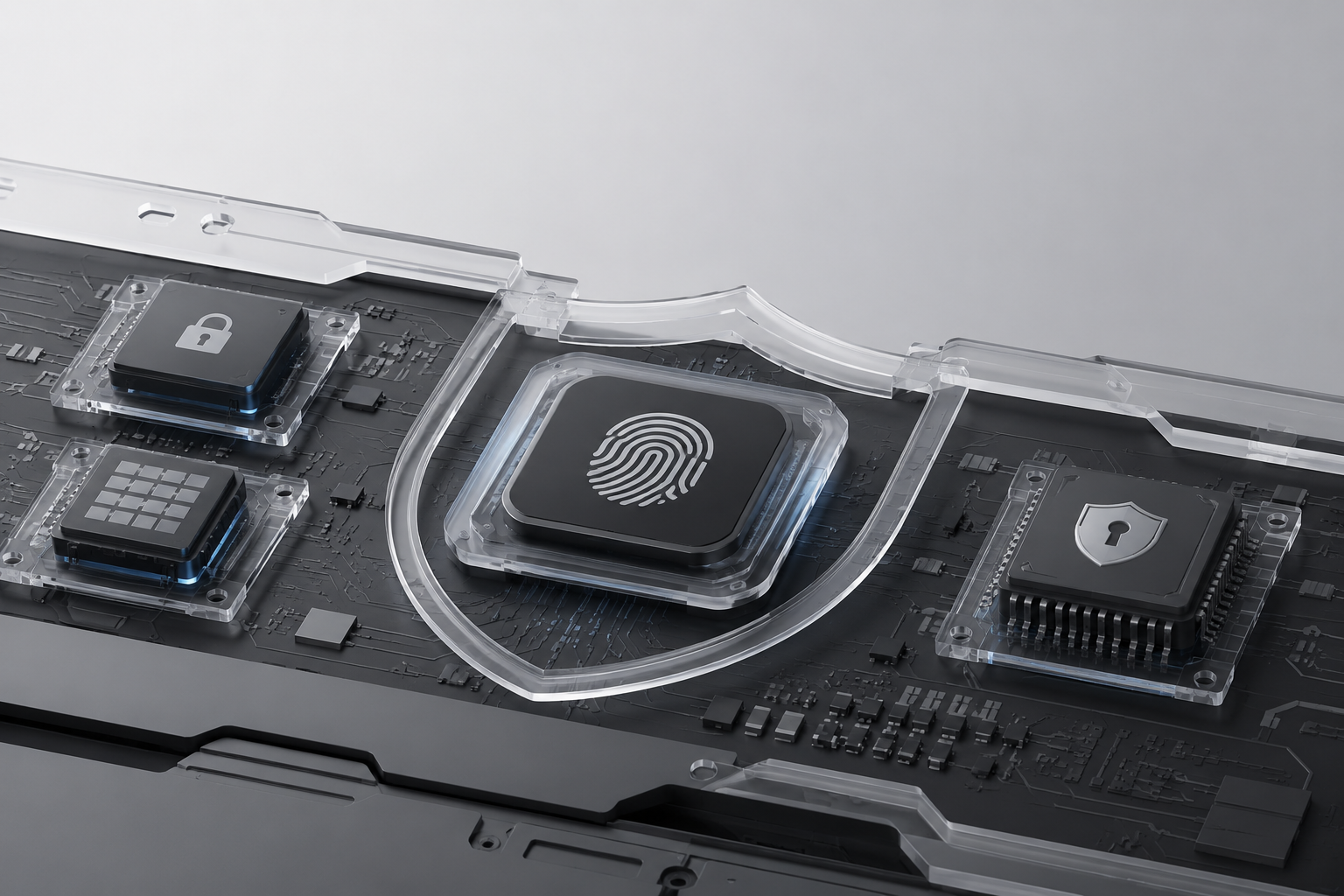
Hardware security, from the silicon up
Encrypted comms, secure boot, Flash encryption and protection against MITM & replay — even a lost device stays sealed
Triple data encryption
Secure boot + Flash encryption + NVS encryption — three layers of protection.
Unique hardware binding
MCU, storage and sensor are paired one-to-one, blocking hardware-swap theft.
Encrypted protocol
A dedicated encrypted channel between MCU and sensor stops MITM and replay.
Broad compatibility
Major operating systems, standard USB and open authentication protocols